

Visual Studio Code
Updated
About Visual Studio Code
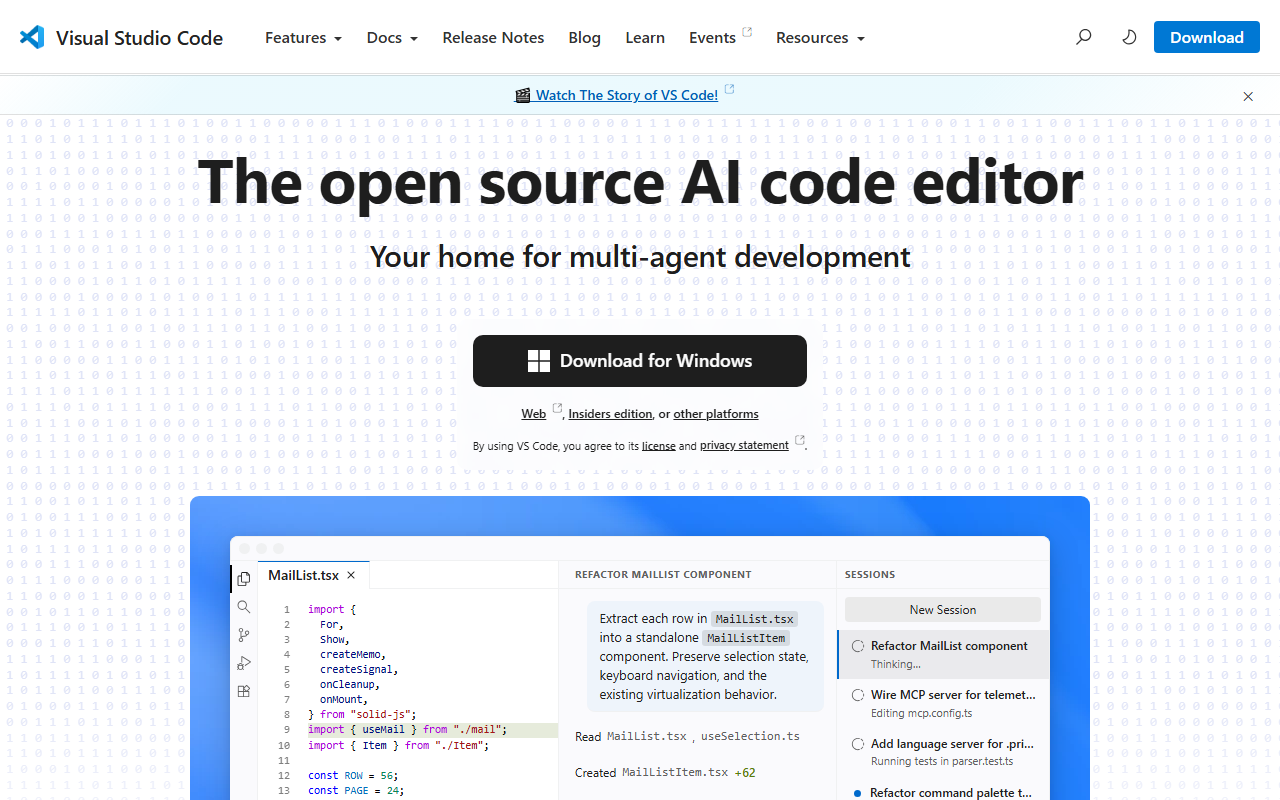
Visual Studio Code is a free source code editor from Microsoft that helps developers write, debug, and manage code on Windows, macOS, and Linux.
People use it to write and debug code, manage version control with Git, and run command-line operations without leaving the editor. It suits developers and teams working across many programming languages and frameworks who want debugging, Git, and a terminal in one place. Its extension marketplace also lets users adapt it to their own workflow.
- Built-in debugger with breakpoints and variable inspection
- Syntax highlighting and intelligent code completion
- Integrated Git version control
- Marketplace of extensions for added languages and tools
- Integrated terminal supporting various shells
Good to know: Free to use, and works on Windows, macOS, and Linux.
Key features
- Built-in Debugging: Set breakpoints, inspect variables, and step through code without a separate tool.
- Git Integration: Manage version control directly inside the editor.
- Extension Marketplace: Add new languages, debuggers, and tools to customize the editor.
At a glance
- Category: AI Coding
- Type: AI coding assistant
- Jobs: Build Sites & Apps
- Evidence: Proven · 1,000+ reviews
- AIME Score: 86 of 100
- Also on Product Hunt: 100+ reviews, 10+ upvotes, launched 2015-04
- Website: visualstudio.com
Alternatives to Visual Studio Code
- Visual Studio (AIME Score 79)
- Cursor (AIME Score 72)
- Replit (AIME Score 70)
- Qodo (AIME Score 66)
- CodeRabbit (AIME Score 66)
- Coder (AIME Score 65)
More AI coding assistant tools
More Spotlights
Sources: Found on Product Hunt (launched Apr 2015) · Details checked on the tool’s own website · Researched by AI Made Easy
Is this your tool? Claim, update or remove this listing, or get a badge