

Smooth Recorder
Updated
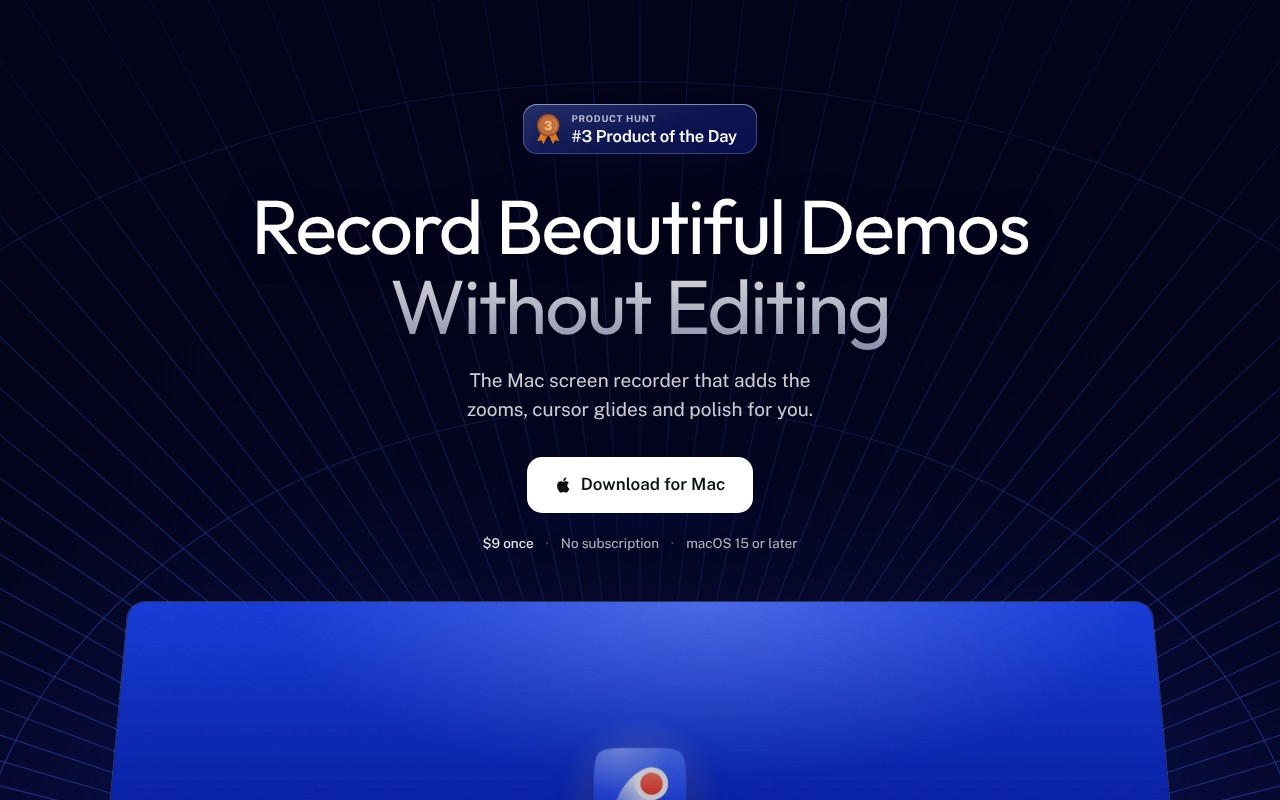
Mac screen recordings that look edited when you hit stop
About Smooth Recorder
Smooth Recorder is a Mac app that automatically edits screen recordings and screenshots with zooms, smooth cursor, and captions.
Use Smooth Recorder to create product demos and tutorials that look professionally edited without spending hours in post-production. It's built for Mac creators and freelancers who record demos and want polished results immediately.
- Auto zoom that follows clicks and cursor movement
- Smooth cursor and 3D angles for cinematic look
- Captions generated locally on Mac, editable by transcript
- Beautiful screenshots with 76 wallpaper backgrounds
Good to know: One-time purchase of $9, no subscription or account required, native macOS app with all processing done locally on your Mac.
Key features
- Auto Zoom: Automatically zooms to where you click and follows your cursor so viewers can easily follow along.
- Transcript Editing: Edit video by deleting words from the transcript to remove filler words or long pauses in one click.
- Local Processing: All captions, OCR, and redaction happen on your Mac with no account or internet upload required.
At a glance
- Category: AI Video
- Type: Video editor
- Jobs: Make Videos
- Evidence: New launch on Product Hunt (a few reviews)
- AIME Score: 67 of 100
- Launched: Oct 4, 2026 on Product Hunt · 100+ upvotes
- Website: smoothrecorder.com
Alternatives to Smooth Recorder
- Loom (AIME Score 83)
- Camtasia (AIME Score 81)
- VEED (AIME Score 79)
- Adobe Premiere Pro (AIME Score 78)
- Descript (AIME Score 77)
- Storyblocks (AIME Score 75)
More Video editor tools
More Spotlights
Sources: Found on Product Hunt (launched Oct 2026) · Details checked on the tool’s own website · Researched by AI Made Easy
Is this your tool? Claim, update or remove this listing, or get a badge